How to Create a Free Proton Mail Account – Step-by-Step Guide
Learn how to create a free Proton Mail account in minutes. Step-by-step instructions with screenshots, tips, and privacy benefits.
What is Proton Mail?
Proton Mail is a privacy-focused, encrypted email service developed by CERN scientists in Switzerland.
Unlike Gmail or Outlook, Proton Mail offers end-to-end encryption, meaning only you and the recipient can read your emails — not even Proton itself.
The best part? You can create a completely free Proton Mail account in just a few minutes — no phone number or personal data required.
Step-by-Step: How to Create a Free Proton Mail Account
Step 1: Visit the Official Website
Go to 👉 https://proton.me/mail
To sign up for a Proton Account:
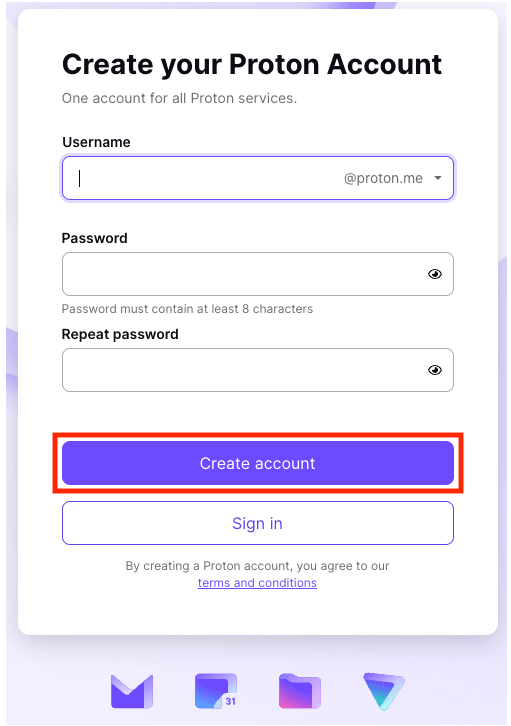
1. Go to the Proton Account signup page in a web browser on your computer.
2. In the Username box, enter the username you want to use for your free email address.
3. Choose which domain you would like to use for your address: @proton.me or @protonmail.com (@proton.me is selected by default).
4. In the Password box, enter a password at least eight characters long and type the password in again to confirm.
5. Click Create account.
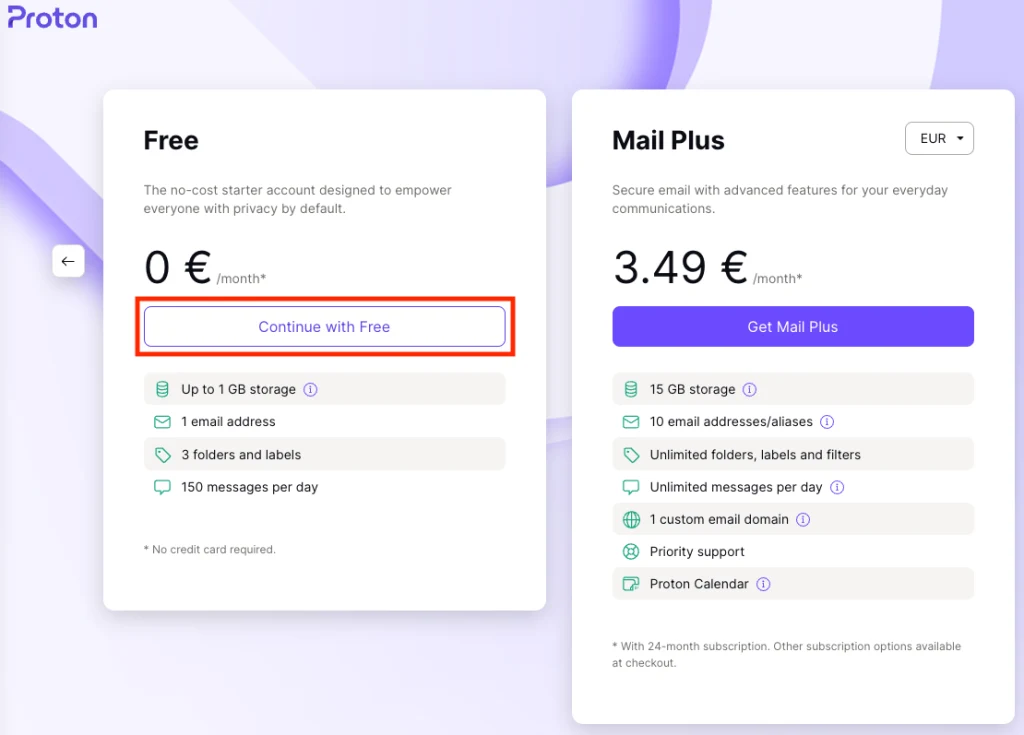
6. Choose Continue with Free to create your free email account (or Mail Plus if you would like to get extra features and support our mission)
7. If you’re asked to confirm you’re human, tick the I am human box and follow the instructions. Or you can choose Email or SMS to verify you’re human that way.
(Note that if you enter your email or mobile phone number, we only save a cryptographic hash of this personal data. It’s impossible to derive your phone number or email from that hash, and it’s not permanently associated with the account that you create.)
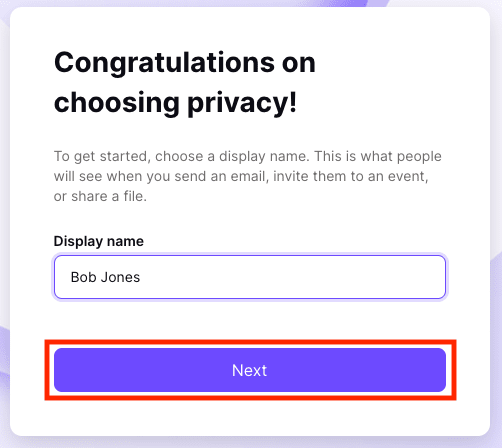
8. Enter an optional display name. This is what people will see when you send them an email. Click Next.
9. Enter an optional email address or phone number that you can use to recover your account if you ever forget or lose your password
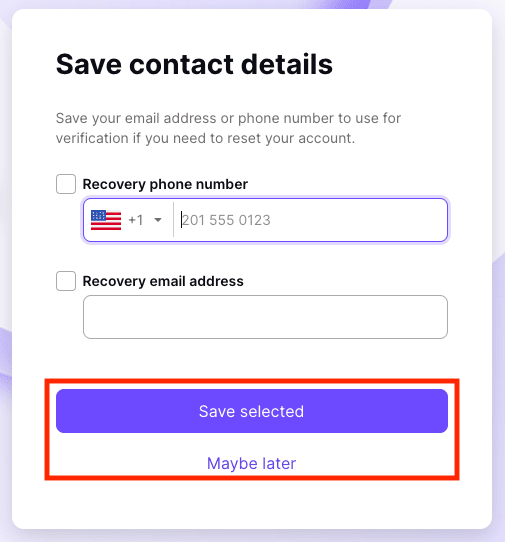
10. Click Save selected or Maybe later, and you’re done!
Choose Proton Mail to go straight to your new secure email account. Or try the other privacy-by-default products that you also get free with your new Proton Account: Proton Calendar, Proton Drive, and Proton VPN.
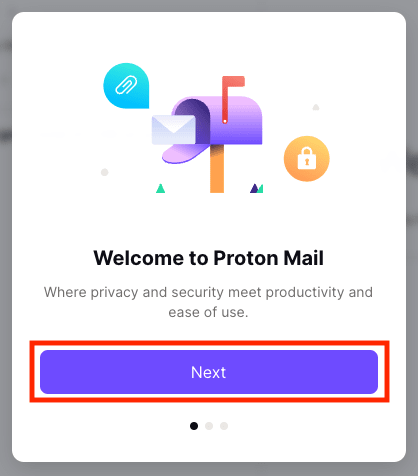
Click Next to customize the look of your Proton Mail.
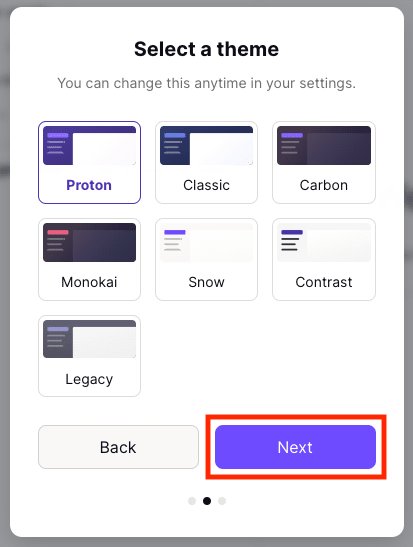
Click Next to start using Proton Mail and Proton’s other privacy-by-default services.
🛡️ Why Choose Proton Mail?
Open-source and transparent security.
End-to-end encryption protects your emails from hackers.
Swiss privacy laws ensure strong data protection.
No ads, no tracking, no data sharing.
Which Topic You Want Next Mail Us – admin@dmindia.blog